VRX3D
Play flat PC games on a big stereo 3D screen in VR. Start your game - VRX3D does the rest.
Coming to Steam in November 2026. It stays free and open source here; buying it on Steam supports the project.
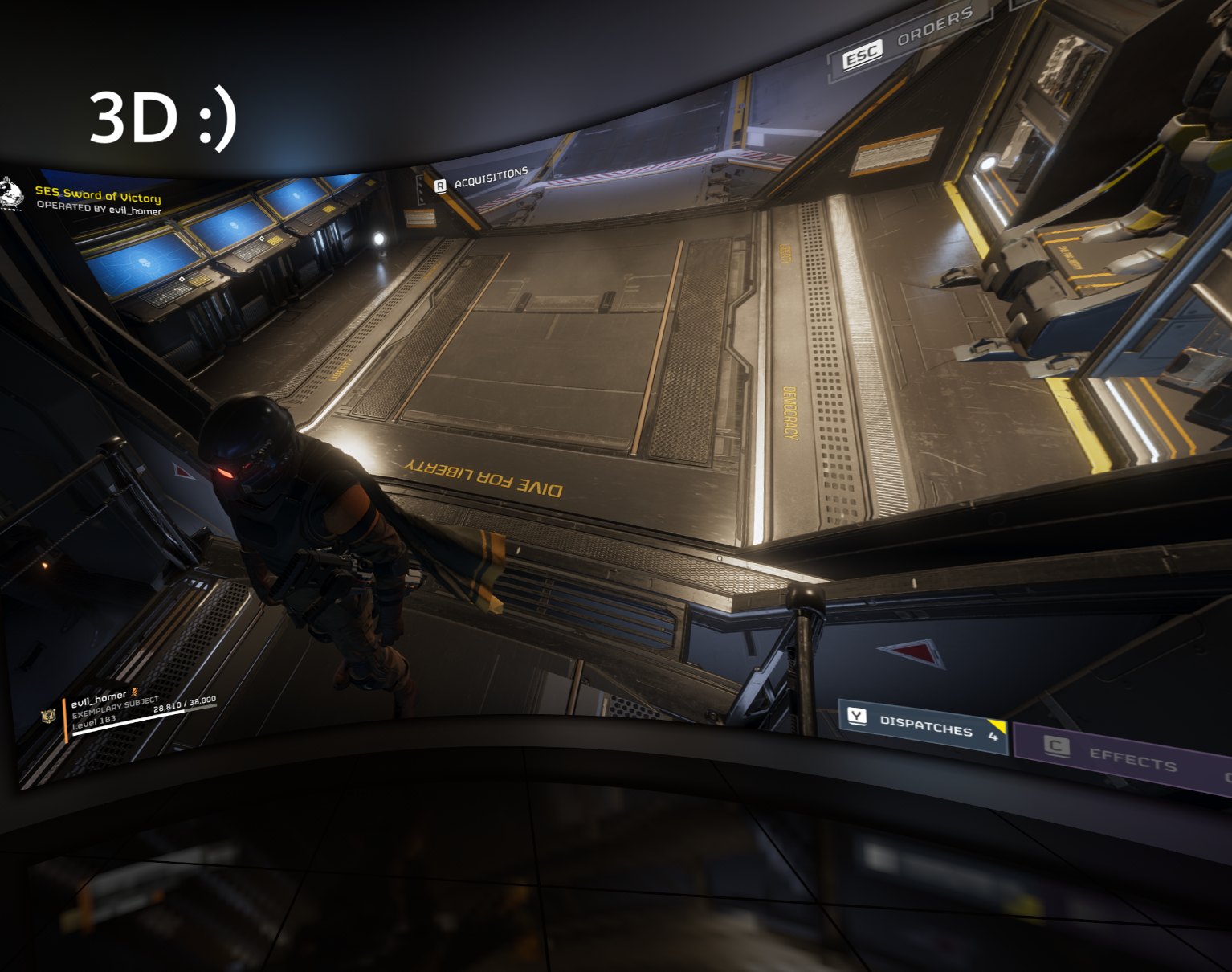
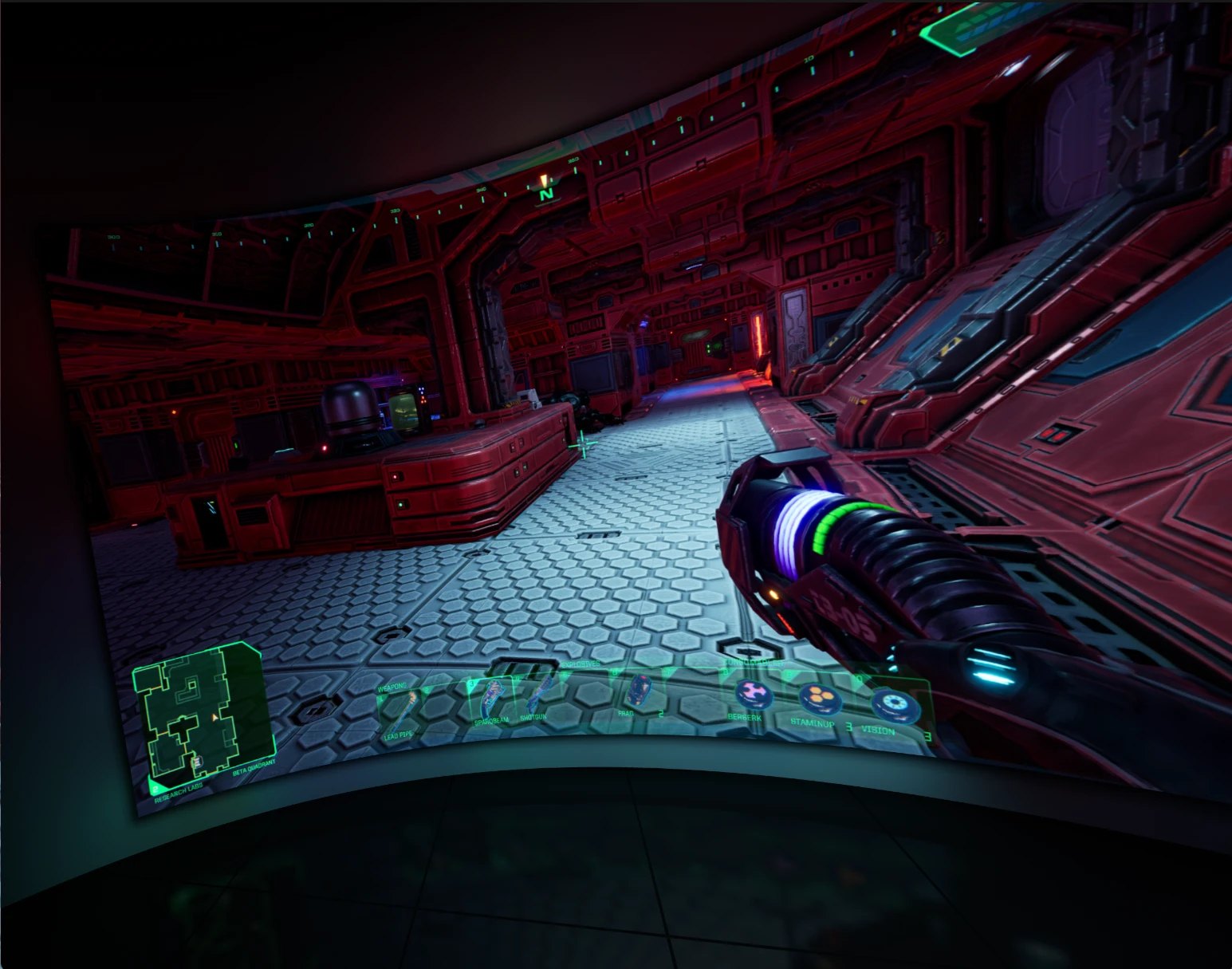
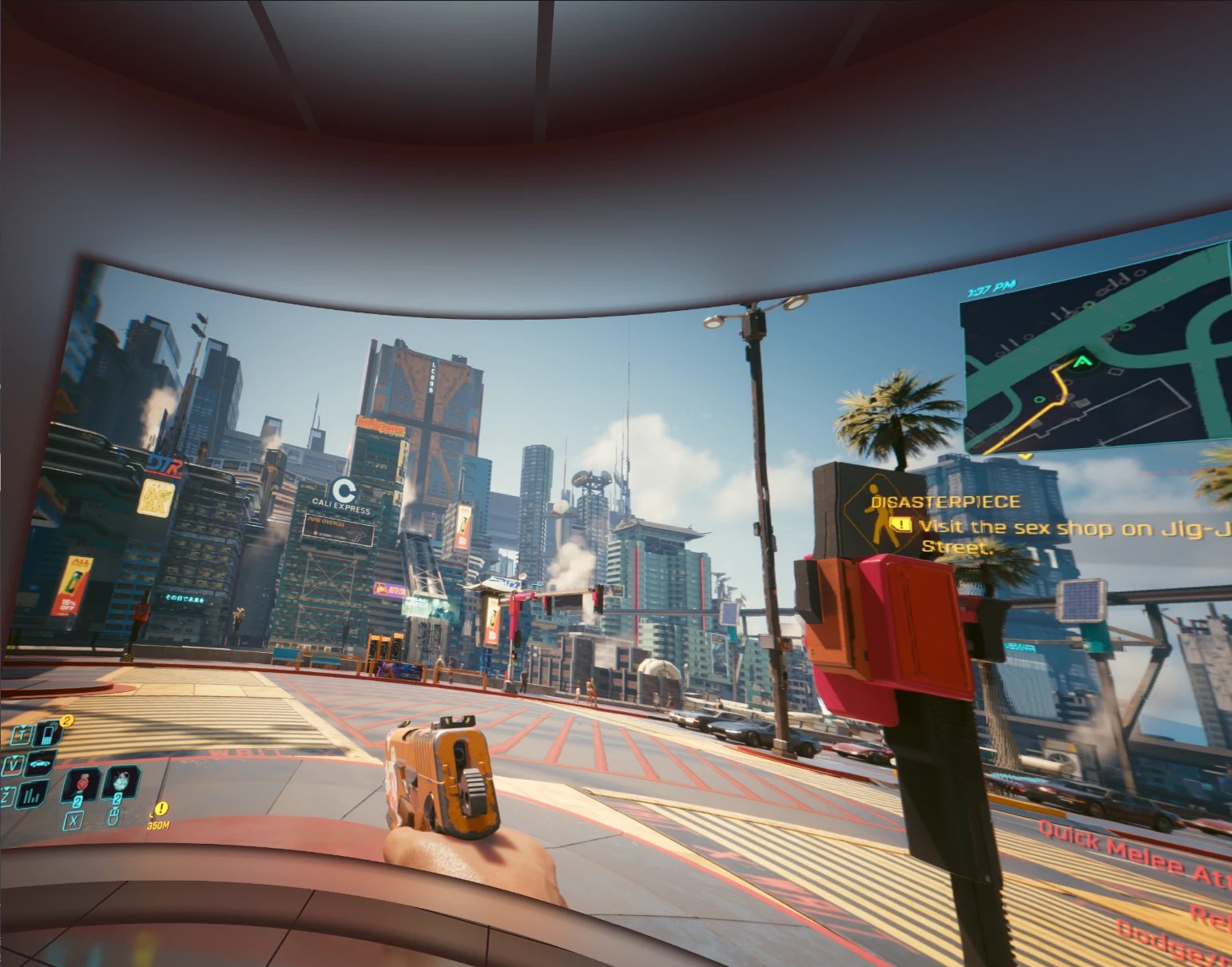
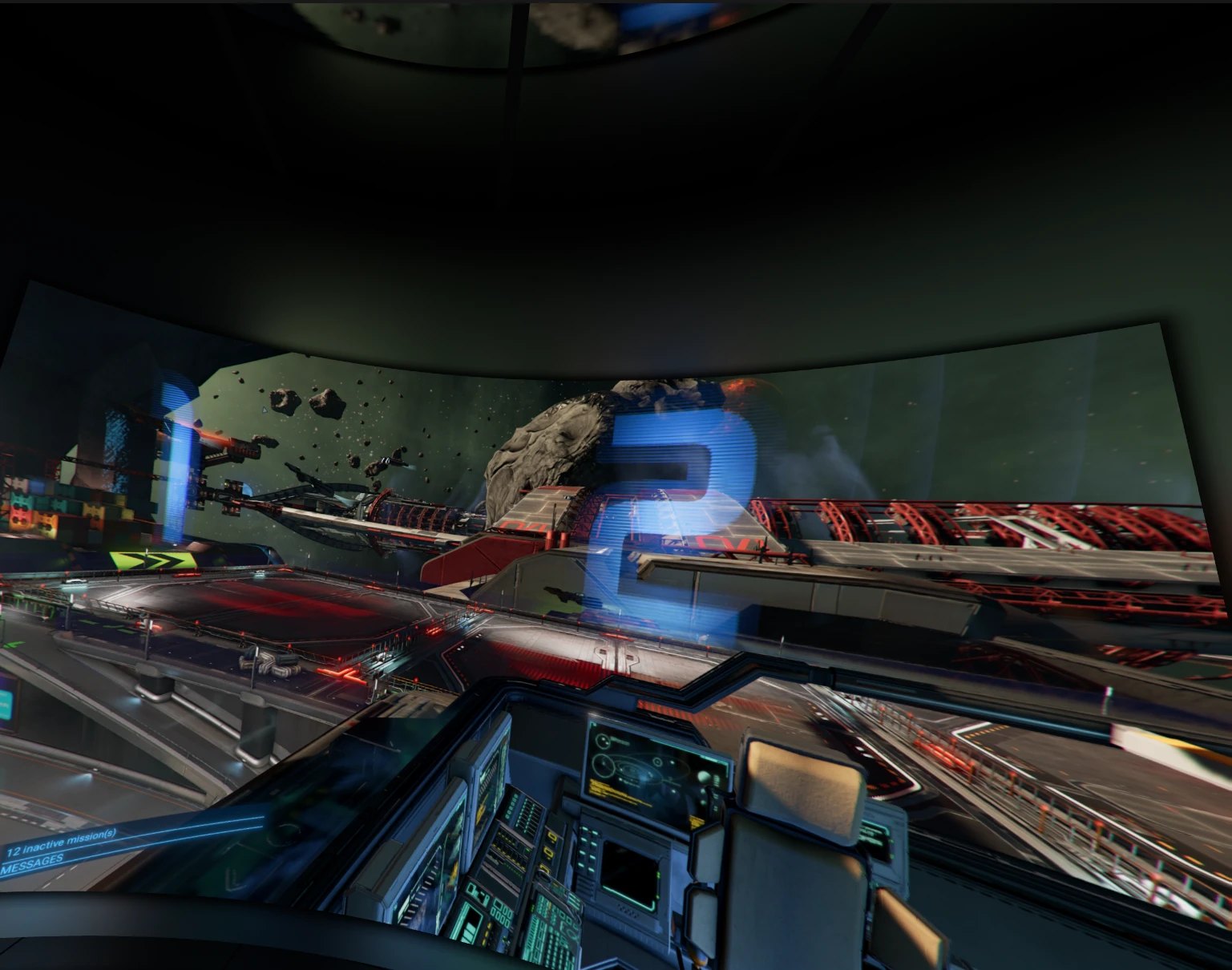
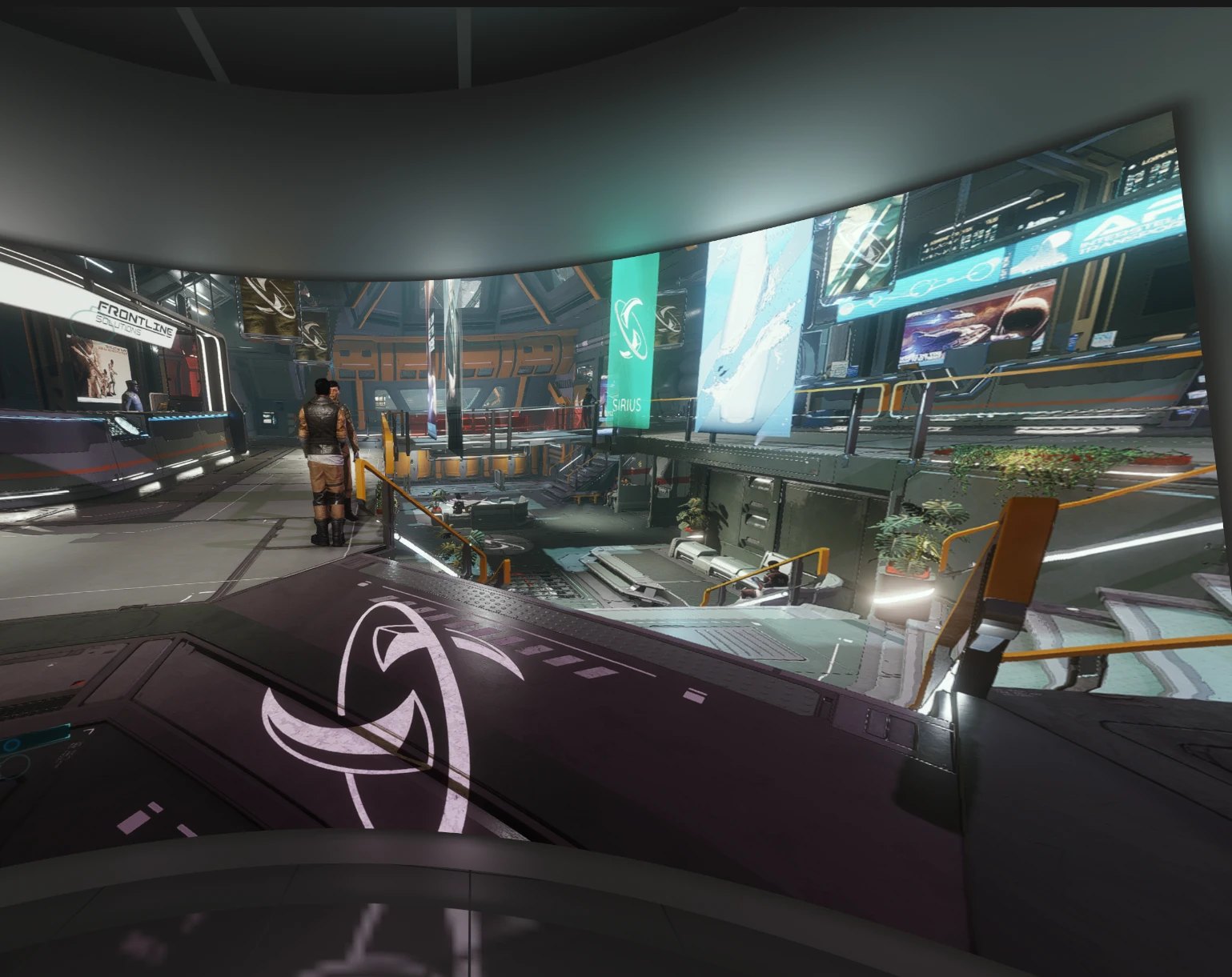
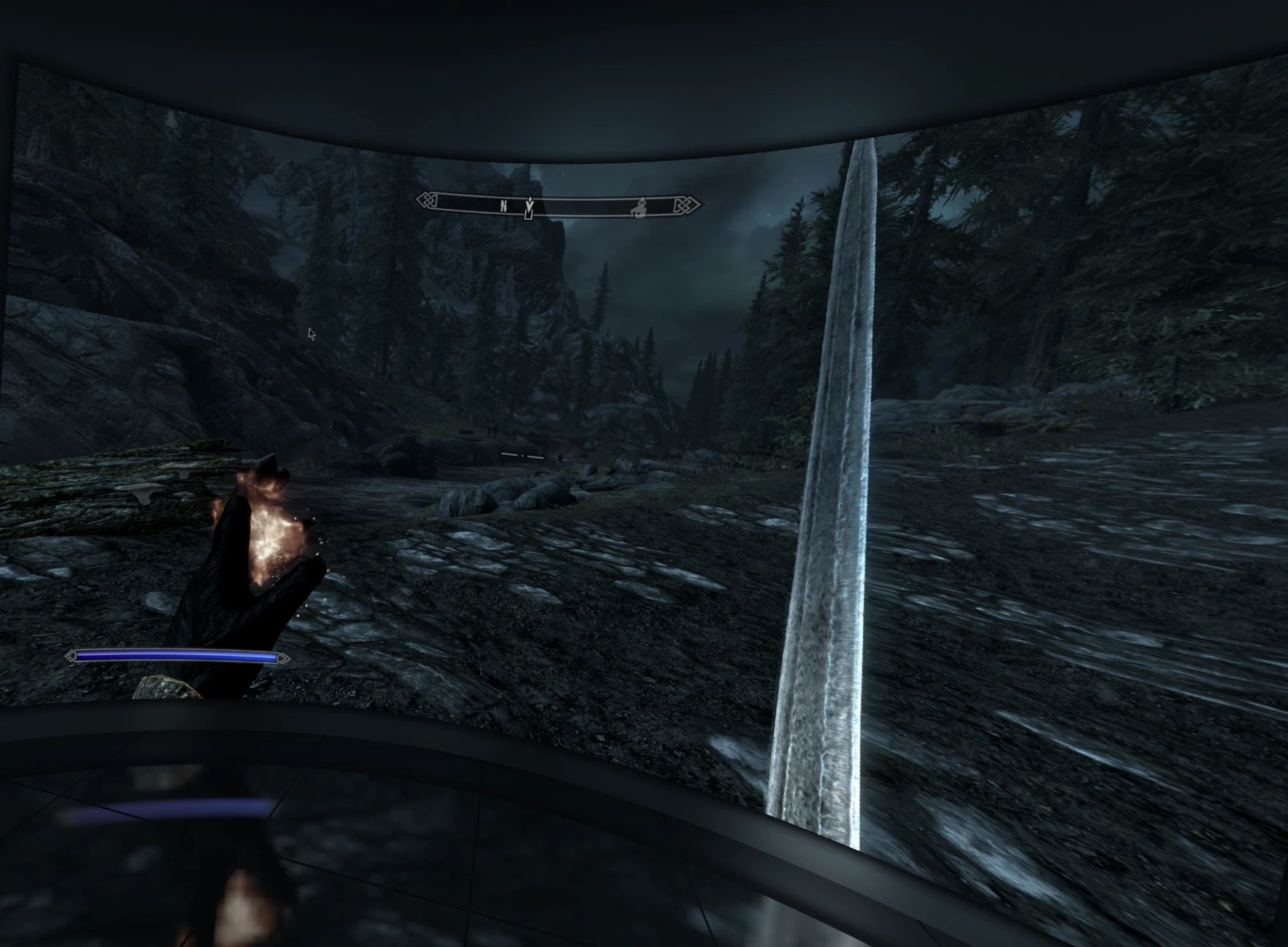
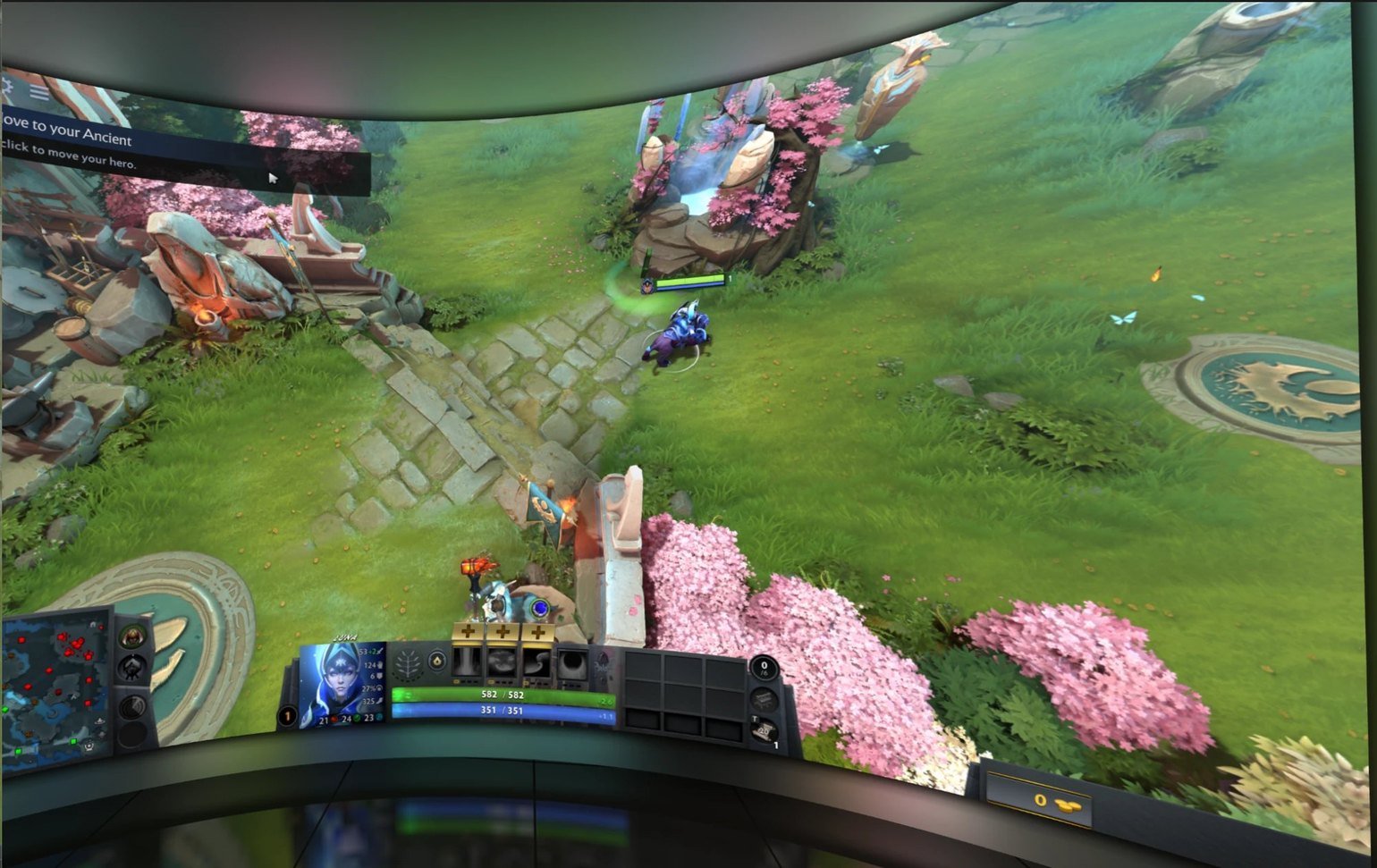
New: VRX3D for Linux (experimental)
VRX3D 1.0.0 for Linux brings the same 3D screen to Linux with SteamVR: the depth model, the room, the curved screen, the ambilight, steady depth and frame timing, in a desktop app with the same Easy and Expert modes. It is new and has been tested on one PC so far, so expect rough edges - please report problems.
- NVIDIA only for 3D: depth runs on CUDA, so you need an NVIDIA graphics card with its proprietary driver. The download above includes the CUDA and cuDNN libraries it needs; a smaller one without them is on the release page for PCs that already have CUDA 12 and cuDNN 9.
- Portable: extract it anywhere and run
./vrxto start it. Running./vrx --checktells you anything your PC is missing and how to install it, and./vrx --install-desktopadds VRX3D to your application menu. - You also need: SteamVR as the OpenXR runtime, and a desktop with PipeWire screen sharing - KDE Plasma or GNOME, on Wayland or X11.
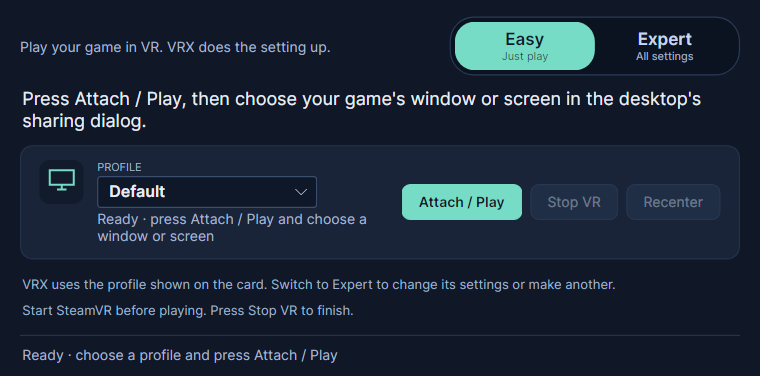
- Choosing the game: Linux does not let apps list other windows, so press Attach / Play and pick the window or screen in your desktop's sharing dialog. There is no auto-attach, and settings are kept in named profiles rather than per game.
- Not in Linux yet: fusing a second depth model, Depth Anything and the SteamVR menu options.
Tested on Ubuntu 26.04 (KDE Plasma, Wayland) with an RTX 5060 Ti and a PICO 4 over Steam Link.
New in v1.7.8 and v1.7.9: your desktop, without leaving VR
Step out of the game for a moment and VR follows you to the desktop - then back into the game.
- A still desktop stays still: the screen no longer twitches every few seconds on a still desktop. When almost nothing has changed - a blinking text cursor, the mouse, a clock - VRX3D keeps the depth it has instead of working it out again. Scrolling, video and games get fresh depth as before. (v1.7.9)
- Show the desktop when you leave the game: press Ctrl+Esc, the Windows key or Alt+Tab while you play, and VR shows the display the game is on - the Start menu, your desktop, whatever you opened. Go back into the game and VR shows the game again. Nothing is minimised or restarted, and the game card says "Desktop" while it is showing.
- Carry on when the game closes: close the game and VR keeps showing your desktop until you press Stop VR, instead of ending.
- Steady switching: SteamVR's own windows and the Steam overlay do not trigger it, and a quick flicker of focus does not flip the picture.
- Your choice, per game: it is on by default; turn it off in Expert's SteamVR & shortcuts section.
Earlier releases, including v1.7.7's chooser: what's new in every version.
Easy mode
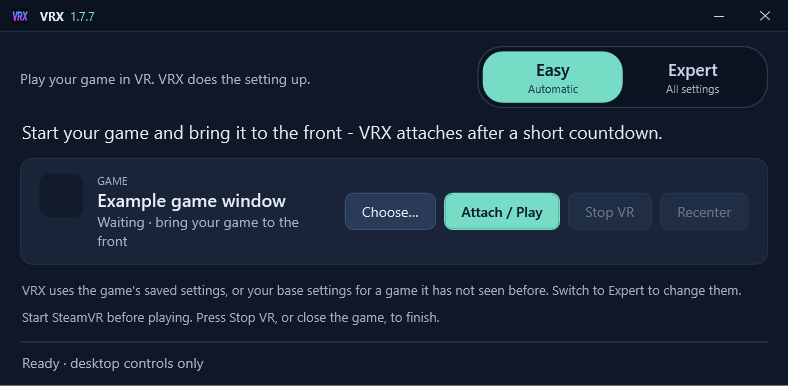
Install it, start your game, put your headset on. In Easy mode VRX3D notices the game you bring to the front, counts down for a few seconds and attaches by itself - no lists to pick from and no settings to learn. Switch to another window during the countdown to cancel, or press Choose… to pick one yourself.
- Ready out of the box: a new install starts with the room already set up: walls lit by the picture, a touch of glass and reflections, and a soft room light.
- Your settings, kept per game: Easy never changes them; each game remembers how you set it up.
- Expert when you want it: one click shows every setting, grouped into sections you can fold away - screen, room, 3D and depth, SteamVR and more.
What it does
VRX3D captures the game window you pick, estimates depth for every frame with a machine-learning model running on your own graphics card, and builds a separate view for each eye, so the flat picture gains real depth on a cinema-sized screen in your headset. You keep playing with your keyboard and mouse.
It is not only for games: attach it to a browser window and 2D video you play there, from YouTube, other video sites or your own files, becomes 3D on the same screen.
On Windows, films and series from protected streaming services, such as Netflix and Disney+, show as a black picture: Windows blanks copy-protected video in every screen capture - the same reason a screenshot of them is black - and VRX3D respects that.
A room around the screen
Put the screen in a room whose walls, floor and ceiling are lit by the picture itself, so it reads as a real cinema screen on a real wall rather than a picture floating in the dark. A red edge on screen tints the nearby wall red; the light is smoothed so the walls never strobe.
- Glass walls: turn the side walls, back wall and ceiling into glass in slim frames, looking out over a ground that runs to the horizon in your chosen world colour.
- Reflections: see the screen mirrored in the glass and a polished floor, traced for each eye so the reflection sits at the right depth.
- Room light: a soft ceiling panel, from warm to daylight, so you are never stuck in the black.
- A sense of scale: subtle 1 m floor tiles let you count how big the screen really is.
Highlights
- A screen that stays fixed in your room, with an optional curve and a soft ambilight glow round it.
- A fast depth model by default, with the option to run depth on a second graphics card.
- Steady depth, depth fusion and frame timing options to cut shimmer and keep depth in step with the game.
- Everything is set up in a desktop app: no in-headset menus and no motion controllers.
- Settings are saved per game, with base settings for new games and "apply to all".
- Auto-attach to the game in front, or pick any window yourself in Expert mode.
Quick hints
- Run the game at 1080p: it is much more stable, and in the headset you will not notice the difference.
- One GPU: the fast ZipDepth model with Delayed to depth and Steady depth.
- A second GPU: make it the depth GPU and turn on Fuse with Depth Anything V2.
- Steam games: turn off Desktop Game Theatre (right-click the game in Steam → Properties → General), or SteamVR shows its own flat copy of the game in front of VRX3D's screen.
- The screen is black in one eye (seen on an Oculus Rift with an older Oculus app): set Screen curve to 1 % in Expert mode. The screen stays practically flat.
Requirements
- Windows 10 (2004 or later) or Windows 11, and a DirectX 12 graphics card.
- Or, experimentally, 64-bit Linux with an NVIDIA graphics card - see VRX3D for Linux.
- A VR headset with SteamVR set as the active OpenXR runtime.
Tested with Helldivers 1 and 2 and System Shock on an RTX 3090, PlayStation VR2 and SteamVR. Other headsets and graphics cards should work through SteamVR but have not been tested yet.
Free and open source
VRX3D is free software under the GNU General Public License v3.0. Downloads and the full source code are on GitHub, where the app is currently named VRX. A Steam version is planned as a way to support the project; it will be the same program.